

1. Choose a suitable Fingerprint Scanner: There are various types and brands of Capacitive Fingerprint Scanner on the market, and you need to choose the appropriate Fingerprint Scanner according to your own needs. Considering factors such as security, usability, functionality, and price, compare and choose a Fingerprint Scanner that meets your needs.
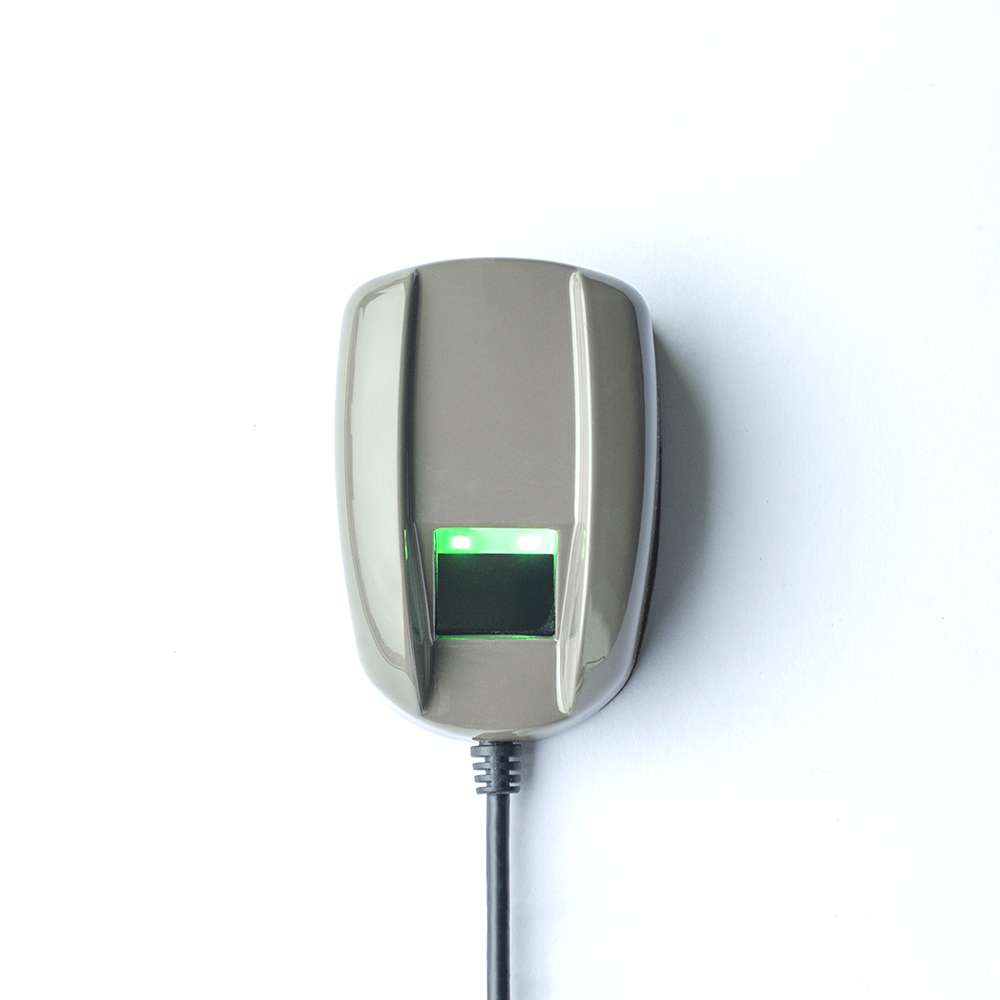
2. Confirm the compatibility of the door lock: Different door locks have different sizes and installation methods, so before purchasing a Fingerprint Scanner, it is necessary to first confirm whether it is suitable for your door. Measure the size of the door lock hole and the thickness of the door blank to match the specifications of the Fingerprint Scanner, ensuring successful installation.
3. Consider security and privacy: Capacitive Fingerprint Scanner involve both home security and personal privacy, so security is crucial. Choose brands and models with good safety records to ensure that door locks can prevent illegal intrusion and security vulnerabilities. In addition, understand the data protection policy of Capacitive Fingerprint Scanner to ensure that your personal information is not abused.
4. Function selection and supporting equipment: The Fingerprint Scanner has various functions, such as fingerprint recognition, password unlocking, remote control, etc. Choose the appropriate features based on personal needs and budget. If you wish to pair your Fingerprint Scanner with other smart devices such as home security systems, smart home control centers, etc., please confirm if the Fingerprint Scanner supports compatibility with these devices.
5. Installation and setup: Once you purchase a Fingerprint Scanner, ensure proper installation and setup. If you lack experience, it is best to hire a professional to install the door lock to ensure its stability and normal operation. After installation, follow the manufacturer's instructions to set up and configure, including configuring user permissions, adding fingerprints, or setting passwords.